Order and management solutions for restaurants a website or webshop for your restaurant in minutes
A QR solution tailor-made for your restaurant
Enable a cost-saving table ordering process, take the pressure off your staff and improve your customer experience from the first scan to payment.
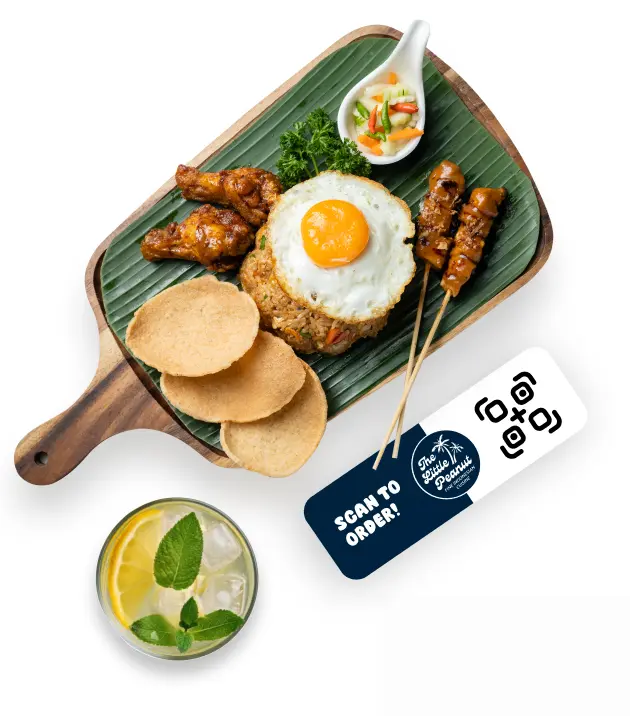

Simplify ordering, maximize customer satisfaction
Give your customers the freedom to order what and when they want. Optimize service, increase convenience and improve the customer experience with every scan.
Explore the Bistroo packages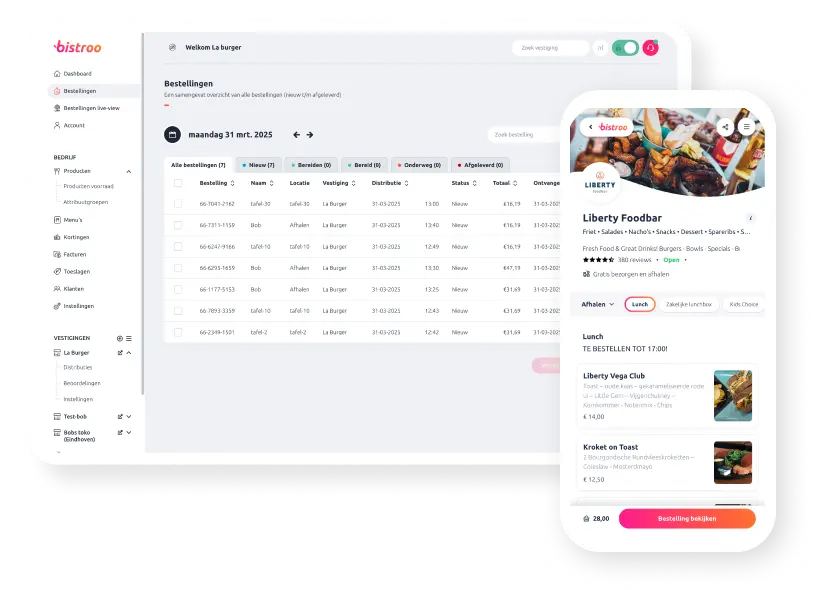
Update your QR shop easily
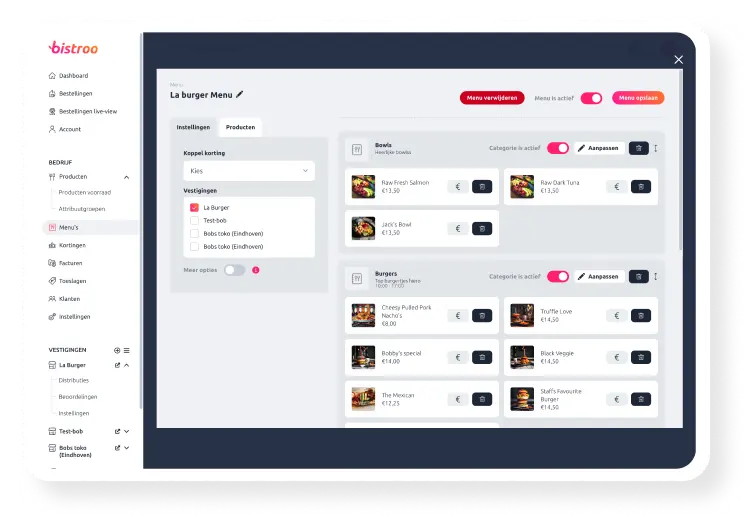
All updates in the Bistroo Manager are instantly synced to the QR stickers on your tables, making menu changes faster and easier than ever.
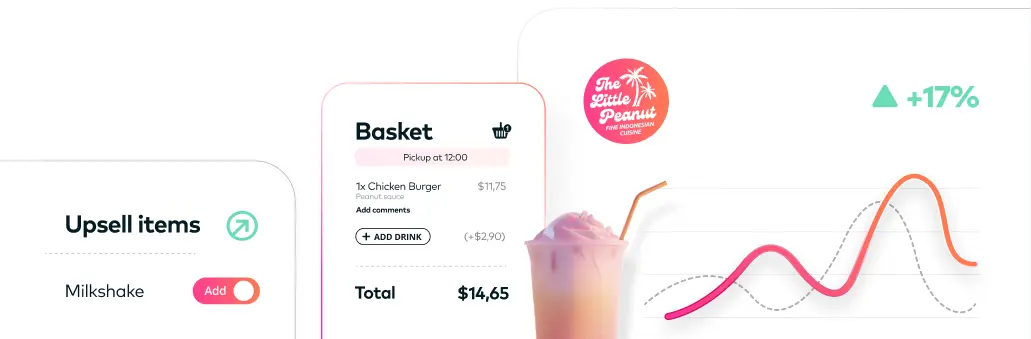
Make upselling part of your business.
Use the smart upsell options and make them a natural part of every on-site order, growing revenue effortlessly.
Integrations.
Connect your favorite POS system or external tools.
Solve staffing challenges.
When a staffing challenge arises, you can easily handle it with QR table ordering.
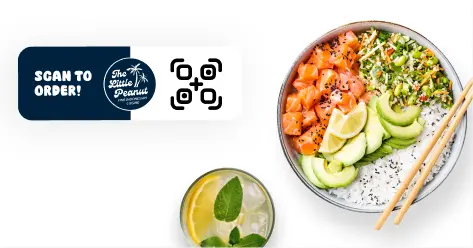
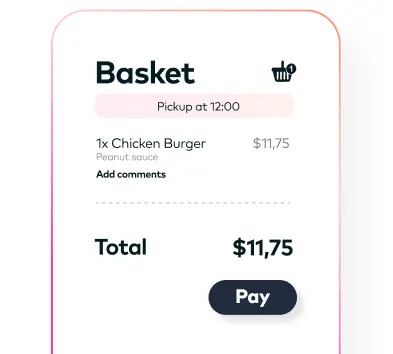
Instant payments.
No more paying at the counter — customers pay while ordering.
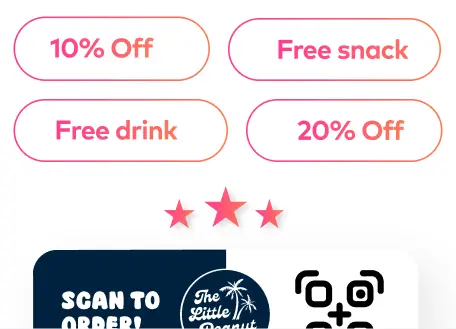
Discounts and loyalty.
Encourage customers to use the QR solution by making use of our discount and loyalty options.
Your style, your stickers
The stickers are high quality and custom-made in your style and branding. They are made from durable and weather-resistant material, making them suitable for both indoor and outdoor use.
Explore the Bistroo packages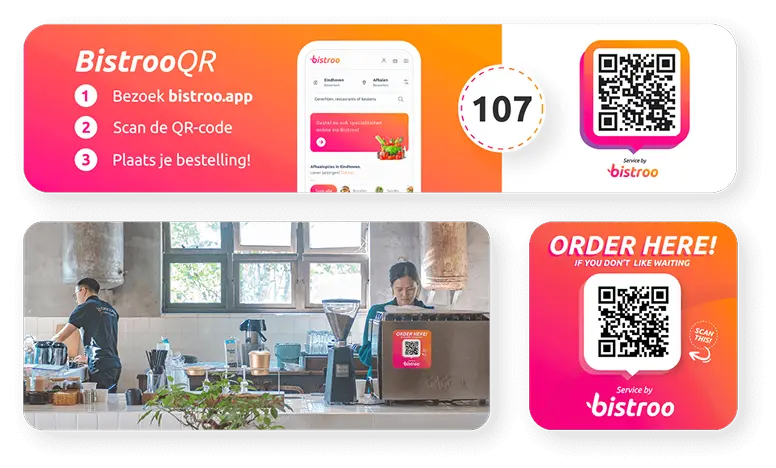
Easy administration
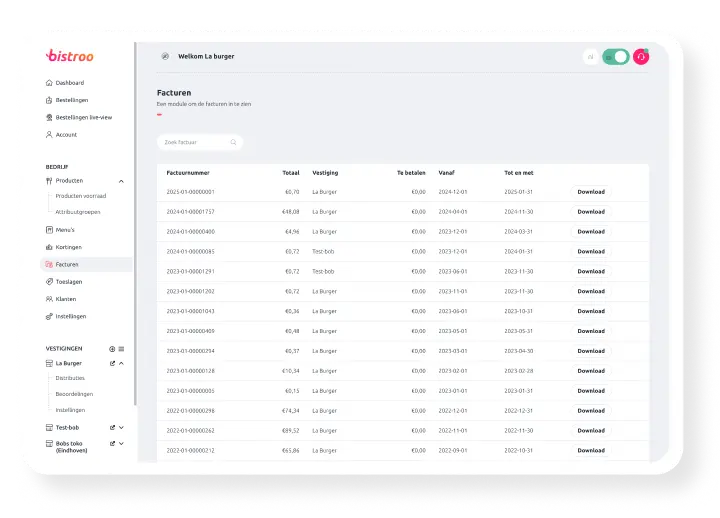
From payments to invoices, everything is fully automated. Orders are processed, payments can be tracked and invoices are automatically generated, drastically reducing your workload.


All about the
Bistroo QR solution
Can't find your question? Contact our support team.
How does QR ordering work for my guests?
How do I create QR stickers?
Can guests pay directly via the QR code?
Is the menu automatically synchronized?
How are QR orders processed in the kitchen?
Are the QR stickers suitable for outdoor use?
Can I create separate QR codes per table or zone?
How do I set up upselling for QR orders?
What does the QR solution cost?
How do I receive notifications for new QR orders?